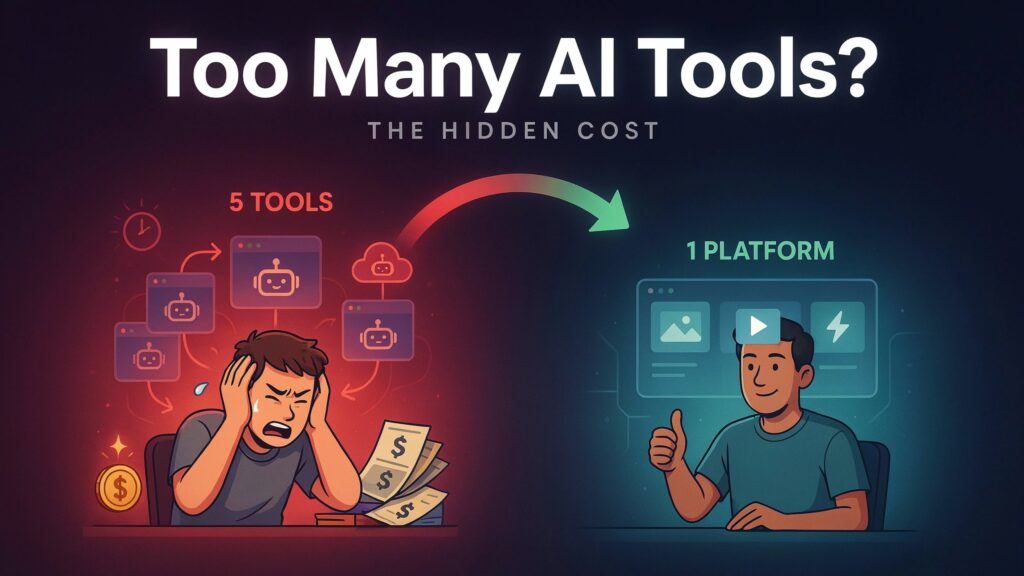
There’s a calculation that most creative teams never actually make. They know roughly what they pay for Midjourney, separately for Runway, separately for a Flux API wrapper, and they have a vague sense of the time spent switching between platforms, re-uploading assets, managing different file export conventions, and re-learning which interface is which. When you add that up — subscriptions, onboarding time per tool, lost context between platforms — the number is higher than most people expect. That’s the argument that platforms like Image to Image are making implicitly, and it deserves honest scrutiny rather than marketing acceptance.
This piece examines the actual workflow economics: what the platform offers, what it costs at each tier, and whether consolidation here produces real value or just adds another subscription to the pile.
What the Platform Actually Consolidates
Before the cost calculation makes sense, the scope has to be clear. The platform hosts image models — Nano Banana, Nano Banana 2, Flux Kontext Pro, Flux Kontext Max, Seedream 4.0, Seedream 5.0 Lite, GPT-4o, Qwen Image Edit, Grok Imagine Image — and video models — Veo 3, Veo 3.1 across multiple tiers (Lite, Basic, Premium), Kling 2.5, Kling 2.1 Pro, Kling 2.1 Master, Seedance 1.0 and 1.5, Wan 2.5, Runway Gen 4, Grok Imagine Video.
That is a meaningful list. Several of these — Veo 3 in particular, and the Kling family — are not trivially accessible through standard consumer interfaces. Getting Veo 3 output without a unified platform typically means API access, authentication overhead, and per-call cost management. The consolidation value is real for the video side especially, where fragmentation across platforms has been most pronounced.
Reading the Pricing Tiers as a Workflow Decision
Step 1: Identify Your Monthly Generation Volume
Credits Are the Primary Workflow Variable
The platform offers three tiers on annual billing: Starter at $8.30 per month (10,000 credits), Pro at $25 per month (32,000 credits), and Unlimited at $75 per month with no credit ceiling. Monthly billing is available but at higher rates. There’s also a free tier for initial access.
The credit system is per-model, not per-output category. Each model has a specific credit cost per generation, and this varies meaningfully. On the Pro plan, Nano Banana costs 3,018 credits per image; Flux Kontext Max costs 4,024; Veo 3 costs 10,060 per video generation; Veo 3.1 Basic costs 15,090. This means a Pro plan user has room for roughly ten Veo 3 videos per month at full allocation, or about ten Veo 3.1 Basic videos, or a mix of image and video work that needs deliberate budgeting.
The Starter tier at 10,000 credits is genuinely entry-level for video work — a single Veo 3 video consumes 10,080 credits on that tier (20% discount applied), leaving almost nothing for image generation in the same month. Starter makes more sense for image-heavy workflows, where Seedream and Nano Banana stretch the credit budget further.
Step 2: Evaluate the Unlimited Plan as a Business Decision
The Unlimited Tier Changes Production Economics Entirely
At $75 per month on annual billing, the Unlimited plan removes per-generation cost friction. For teams running ad variant testing, social content calendars, or client deliverable pipelines, this changes the creative dynamic: iteration becomes free in practice, which means the workflow can favor exploration over restraint.
The plan also scales concurrent generations to eight — meaning eight separate generation requests can run simultaneously. For teams or individuals running parallel projects, this reduces wall-clock production time meaningfully. Two, four, or eight concurrent generations versus the two allowed on Starter is a functional throughput difference, not just a marketing spec.
Compare this against assembling equivalent capability separately: a Runway subscription for video, a Midjourney subscription for image generation, API credits for Flux access, and a separate Veo 3 access point. The per-month cost of that stack, combined with the interface-switching overhead, is the honest comparison to $75 for unlimited access to all of them in one place.
How the Production Workflow Actually Runs
Step 1: Upload Your Source Image
The Interface Accepts Up to Four Reference Images
The entry point for image work is an upload. For models that support multi-reference input — specifically Nano Banana and Nano Banana 2 — up to four images can be provided simultaneously. This matters for character consistency work, where a single reference produces more interpretation variance than multiple angles of the same subject.
The upload interface doesn’t require preprocessing or format conversion on the user’s side. The platform handles the model routing based on which model you select, not based on the image itself.
Step 2: Write Your Prompt and Select the Model
Prompt Quality Has a Larger Impact Than Model Selection Alone
The text input is where creative direction is specified. The platform doesn’t provide a guided prompt builder; the user writes a description of the desired output and the model interprets it. This is standard for diffusion-based generation, and it means prompt skill carries more weight than the interface might suggest to new users.
Model selection happens alongside the prompt. The platform exposes the full model list — both image and video options — from the same interface. Image to Image AI presents these without hiding lower-cost models in favor of upselling premium ones, which is a cleaner experience than some competitors where the default selection favors the most expensive option.
The Real Economics: Where This Platform Wins and Where It Doesn’t
Where Consolidation Produces Genuine Value
For video generation specifically, the platform’s model breadth is hard to replicate cheaply through subscriptions. Veo 3 with native audio generation — dialogue, ambient sound, sound effects synchronized automatically — is not available through many consumer-facing interfaces. Getting this capability typically requires either enterprise API access or a purpose-built video platform with its own subscription. Having it alongside Kling, Seedance, Wan, and Runway in one credit pool means users can route video projects to lower-cost models for drafts and reserve Veo 3 credits for final delivery.
For image work, the Flux Kontext inclusion covers a gap that most generative-only platforms don’t address: surgical editing of specific elements within an existing image without regenerating the whole composition. Teams doing production asset work — swapping product labels, updating text in marketing materials, adjusting specific objects — typically run a separate editing workflow for this. Having it in the same credit pool removes a tool boundary.
Where the Economics Require Honest Scrutiny
The credit system creates friction for experimental use at lower tiers. On a Starter or Pro plan, using Veo 3 for iterative video development depletes the monthly allocation quickly. A creator who needs to iterate six or eight times on a video concept before reaching a final output will exhaust a Pro plan’s Veo 3 budget before the month’s image work begins.
Output consistency also affects the real cost calculation. Because generative models produce variance across generations — the same prompt, model, and reference image does not guarantee the same output — iteration is built into any honest production budget. The platform’s credit roll-over policy helps (unused credits carry forward), but doesn’t eliminate the cost of runs that don’t land on the desired result.
For users whose workflow is already well-optimized around a single model they know deeply — say, someone who works almost exclusively in Midjourney with refined prompt techniques — the switching cost of learning how each model here responds to prompts may temporarily reduce output quality during the adjustment period.
Subscription Value Comparison Across Use Profiles
| User Profile | Most Relevant Tier | Key Bottleneck | Best Model Allocation Strategy |
| Solo creator, image-heavy | Starter ($8.3/mo) | 10,000 credits limits video use | Seedream for volume, Nano Banana for hero images |
| Marketing team, mixed output | Pro ($25/mo) | Credit budget needs active tracking | Seedream for drafts, Veo 3.1 Lite over Veo 3 for video |
| Agency or high-volume team | Unlimited ($75/mo) | None on credits; 8 concurrent generations | Full model flexibility; Veo 3 for premium video |
| E-commerce product editor | Pro or Unlimited | Precision editing needs Flux Kontext | Flux Kontext Pro as default; Nano Banana 2 for hero shots |
| Content creator, video-first | Unlimited | Veo 3 credit cost per generation | Reserve Veo 3 for final; use Kling or Seedance for iteration |
The Audit Result: What This Platform Actually Replaces
Worked through honestly, the platform makes the clearest economic case for two specific user types.
The first is teams or individuals who genuinely need both image and video generation in a regular workflow. Managing two separate subscriptions — one for image, one for video — with two separate interfaces and two separate file management systems, is a real overhead. The platform collapses this. On the Unlimited plan especially, the per-tool comparison favors consolidation.
The second is creators who need access to models like Veo 3, Kling 2.5, or Flux Kontext Max but aren’t at a scale where direct API access is operationally sensible. The platform functions as a managed access layer that removes authentication setup, API key management, and per-call billing complexity.
It makes less obvious sense for users who have already optimized deeply around a single tool, or for those whose volume is low enough that the free tier across multiple specialized platforms covers their needs without paid consolidation.
The honest summary: platform consolidation has real value when the fragmentation cost — in time, in subscriptions, in switching overhead — exceeds the consolidation cost. For most creators running regular production workflows across image and video, that threshold is lower than it looks.
