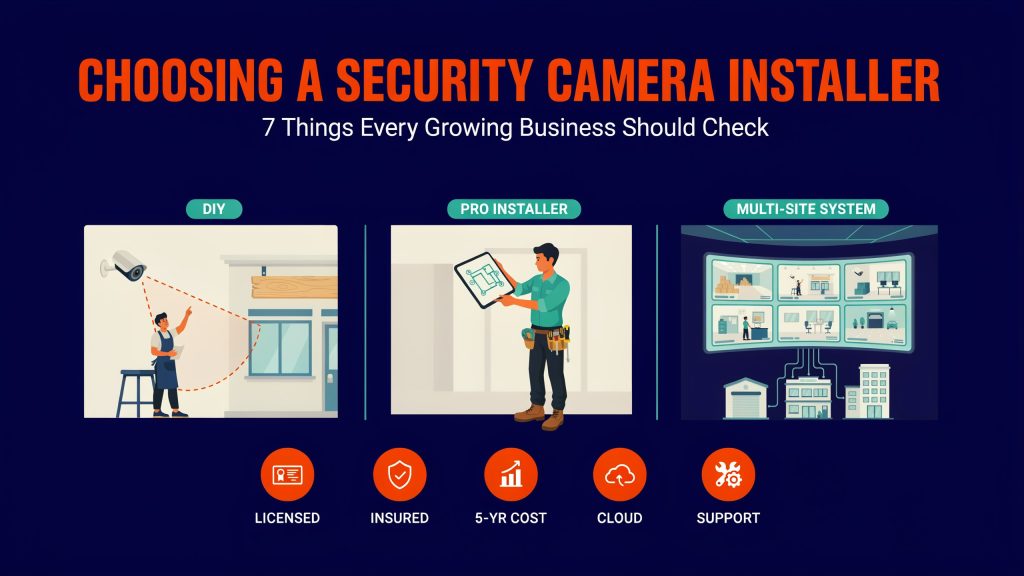
The first camera system a small business buys is often a box from an electronics store, mounted by the owner on a Saturday. That works for a single storefront. It starts to break down when the company adds a second location, a warehouse or a team that needs to review footage without asking the founder for a password. At that stage, choosing a company to install security cameras becomes as important as picking accounting software or a phone system. The installer you hire now will shape what you can add, integrate and afford for the next five to ten years.
This guide covers the criteria that matter most for a growing business, from licensing and pricing models to the quieter details buried in a proposal.
Start With What You Need the Cameras to Do
Before talking to any vendor, write down the problems you want the system to solve. A retail shop worried about shrink needs clear views of registers and exits. A warehouse may care most about loading docks, inventory cages and vehicle traffic. A professional office might focus on entrances, reception and after-hours access.
Add the questions you expect to ask the footage. “Who entered the stockroom at 9:40 p.m.?” requires a camera that can identify faces at the door. “Did the delivery truck arrive on time?” needs only a wide view of the dock. Those requirements drive camera type, resolution and placement, and a vendor who starts with your questions will design a better system than one who starts with a product catalog.
Think ahead about growth too. If you plan to open two more locations in the next three years, tell every vendor now. The right answer for one site and the right answer for three sites are often different platforms.
Check Licensing, Insurance and Experience
Many states regulate security system installers. For example, New York requires a security or fire alarm installer license from the Department of State under Article 6-D of the General Business Law. Other states fold camera work into low-voltage electrical or alarm contractor licensing. Ask each vendor which license applies in your state, request the license number, and verify it on the state’s lookup site.
Insurance matters as much as licensing. A crew working on ladders, in ceilings and around your inventory should carry general liability coverage and workers’ compensation. Ask for a certificate of insurance naming your business before work starts. Established installers send one the same day.
Experience in your type of facility is the next filter. Ask for two or three references from businesses similar to yours in size and use. A company that mostly installs doorbell cameras in homes may not be ready to cable a 20,000-square-foot warehouse with high ceilings and forklift traffic.
Understand the Pricing Models
Camera systems are sold in a few different ways, and a low quote on day one can turn into the most expensive system over five years. Commercial projects often land somewhere between $300 and $1,000 per camera installed, depending on camera type, cabling difficulty and ceiling height. How the rest of the cost is structured varies widely.
|
Pricing model |
Upfront cost |
Ongoing cost |
Best fit |
What to watch |
| Purchase with local recorder | Highest | Low, mainly maintenance | Single site with stable needs | Remote access setup, recorder replacement every few years |
| Purchase with cloud management | Medium to high | Annual per-camera software licenses | Multi-site businesses | Licenses that stop features or recording if not renewed |
| Leased or subscription hardware | Low | Fixed monthly fee for term | Cash-sensitive growth phase | Contract length, ownership at the end, buyout terms |
| Hybrid, local recording plus cloud | Medium | Moderate | Sites with limited internet bandwidth | Which footage goes to the cloud and how long it stays |
Ask every vendor to price the same scope over five years, including licenses, maintenance and expected hardware replacements. That single number makes proposals comparable in a way upfront totals never do.
Look Closely at the Platform
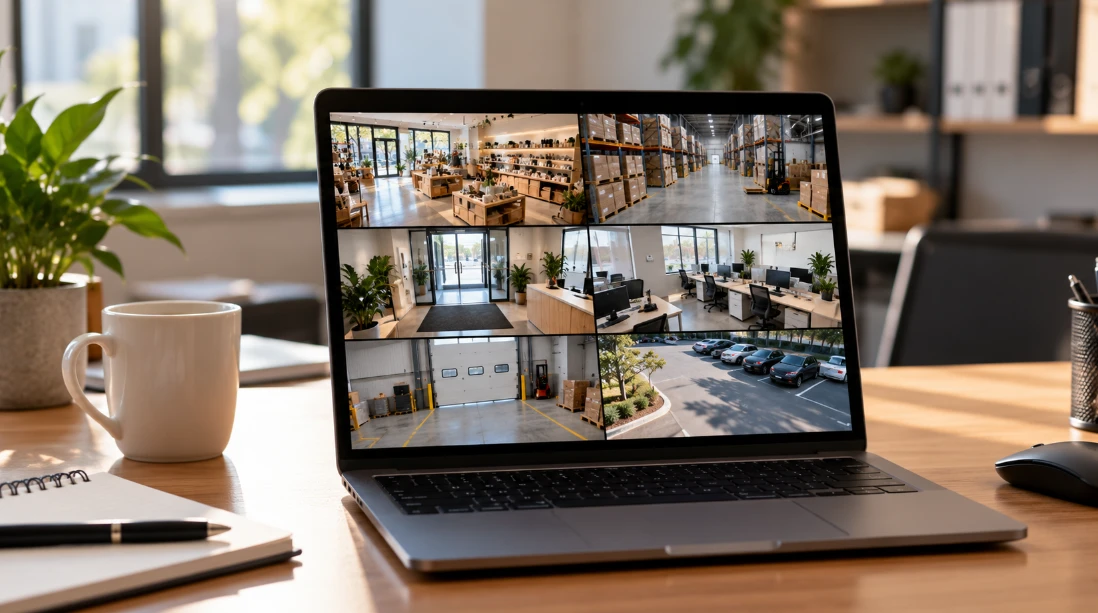
The software your cameras run on often matters more than the cameras themselves. It determines who can view footage, how quickly you can find an event and whether you can add locations without starting over.
For a growing business, a few platform traits stand out. Multi-site management lets a manager view every location from one dashboard. Role-based permissions let store staff view live video without deleting footage. Search tools that filter by time, camera, and motion area save hours during an investigation. Integrations with point-of-sale systems, access control or alarm panels can link a transaction or a door event directly to the matching video clip.
Openness deserves a direct question. Systems built on standards such as ONVIF let you mix camera brands or replace the recording software later. Closed ecosystems can be simpler to manage, but they tie every future camera purchase to one manufacturer. Both approaches suit different businesses, and the choice deserves to be made on purpose during the sales process.
Read the Proposal Like a Contract
A good proposal reads like a plan. It lists every camera with its location, model, lens, resolution and the area it covers, often with a floor plan. It states how many days of footage will be stored at what quality, where the recorder or cloud service sits and how remote access will work.
Weak proposals leave the important parts vague. Watch for these red flags before you sign:
- A total price with no camera-by-camera breakdown
- No mention of how long footage will be stored
- “Installation included” without describing cabling or mounting work
- No warranty terms for labor, only manufacturer warranties on hardware
- Missing details on who owns admin accounts and passwords
- Auto-renewing service contracts with long cancellation notice periods
- No plan for training staff after installation
When a vendor fills those gaps quickly and in writing, you have learned something useful about how they will handle service calls later.
Plan the Rollout Around Your Operations
Installation day affects staff and customers, so ask each vendor how they schedule the work. Experienced commercial installers often run cable after hours or in phases, finishing one zone of a store or warehouse before moving to the next, so the business keeps operating normally.
Coordination with whoever manages your internet and network saves trouble later. Cameras need network ports, sometimes a separate network segment and enough upload bandwidth for remote viewing. A vendor who asks for a short call with your IT contact or internet provider before the install usually delivers a system that works on the first day.
Insist on a sign-off walkthrough at the end. Review every camera view on screen with the installer, confirm night images on outdoor cameras and test footage export. Fix problems found during that walkthrough under the original job, with no extra service fee.
Ask About Service After the Install
Cameras fail, cables get damaged during renovations, and storage drives wear out. Your relationship with your installer continues long after the last camera goes up, so service terms should be part of the decision.
Ask about response times for urgent issues, the cost of a service visit outside warranty and whether a maintenance plan includes firmware updates, lens cleaning, and periodic health checks. For businesses with several sites, ask whether the installer can service every location or relies on subcontractors in some areas.
Privacy and compliance questions fit here too. Several states, including California, Florida, Illinois, and Pennsylvania, require consent from all parties to record conversations, so audio recording on business cameras needs careful handling. A knowledgeable installer will raise this without being asked and help you post clear signage where cameras operate.
Make the Decision on More Than Price
From what I have seen of small business buying decisions, the vendor who wins on price alone often costs more by year three, through licensing surprises, repeat service calls or a system that cannot scale to the next location. Score each finalist on design quality, platform fit, five-year cost, service terms and the clarity of their proposal, and give price the same weight as each of the others.
The best sign of a strong partner is how they talk about your next expansion. An installer who asks where you plan to open next, how many people will need access and what your internet connection looks like at each site is planning a system that grows with the company, and that conversation is worth more than any line-item discount in the first quote.