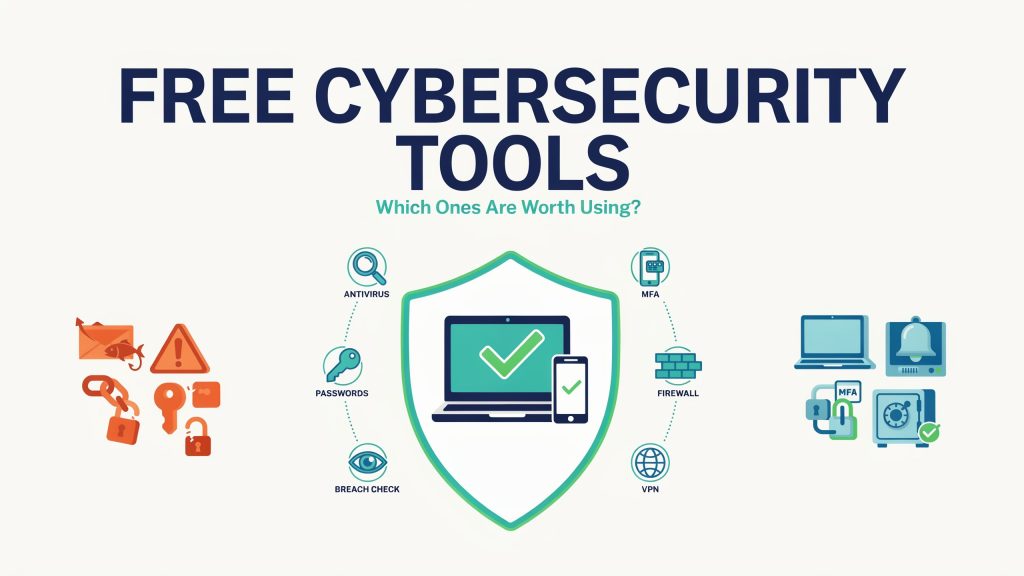
Online security can seem too expensive to even consider, but in reality, you don’t need several paid subscriptions to be safe online. The key is recognizing which ones provide the protection you need and which ones are just advertisements for their full service.
Some Security Tools Are Already on Your Device
Before you download any app or tool, check the security features your computer or phone already provides. Modern operating systems include several essential security features — app permission controls, device encryption, firewall, and file scanning.
Windows, for example, includes Microsoft Defender Antivirus as part of Windows Security. It provides real-time malware protection and automatically receives security intelligence updates. These built-in protections, along with keeping the operating system updated, provide a solid layer of security for most users.
Free Antivirus Can Provide Useful Protection
Antivirus software can be useful in detecting malicious downloads containing ransomware or malware. An antivirus free trial gives you a tool that can scan and monitor files to identify known threats before they cause problems.
However, features can vary across free products. Some focus primarily on malware scanning, while more complete security packages include real-time monitoring and website blocking, so make sure to understand what each one offers and choose the one that meets your needs.
Password Managers Are Among the Most Useful Free Tools
Even though it’s convenient to use the same password in several places, it’s also very risky. If someone discovers the password, they can access multiple accounts and compromise them, leading to greater consequences.
Password managers make it much easier to use unique passwords for each account. Some browsers and operating systems already offer built-in password management features, at no additional cost. For example, Google’s Password Checkup, available through Password Manager, can detect saved passwords that are exposed, weak, or reused.
When choosing a free password manager, key features to consider include breach alerts and a secure method for recovering or exporting your account data.
Breach-Checking Services Are Worth Bookmarking
There is a simple service that lets you know whether your email address has been exposed in known data breaches. That’s not to say you shouldn’t use the other services already mentioned, but a breach-checking service can give you an early warning that you should review affected accounts and change your passwords.
For example, Have I Been Pwned allows users to check whether an email address appears in breaches in its database. If you see your address listed, check which service was breached. Your email address appearing in the list doesn’t mean that every account you hold has been compromised, but it’s best to update a reused password for any service.
What About Free VPNs?
A reputable VPN can encrypt network traffic between your device and the VPN server, making it more difficult for others on the same network to intercept. Free versions may limit which features are available and how many servers you can use, but they’re still a great safety addition, especially if you often connect to public Wi-Fi networks.
Ultimately, a free service advertising is still a business tactic, so be cautious of VPN providers that make big promises without transparency about how they collect data. Look for transparency, a recognizable name, and a clear privacy policy in any security tool.
Free Security Features You Should Already Be Using
No single tool makes a device or account safe. Your online behavior and habits matter too. In that regard, make sure to:
- Turn on multi-factor authentication (MFA) if it’s available.
- Enable automatic updates on your operating system, browser, and apps.
- Use a unique password for every important account.
- Activate the firewall on your device and use its built-in security features.
- Back up files you couldn’t easily replace.
- Avoid links and attachments in unexpected emails and messages.
Free Cybersecurity Works Best as a Layered Approach
No one free service can safeguard everything in your digital life.
The best method is to combine sound security habits and well-designed tools. Start with the security features you already have on your device, then use unique passwords, enable account security features, and use tools designed to boost device security.