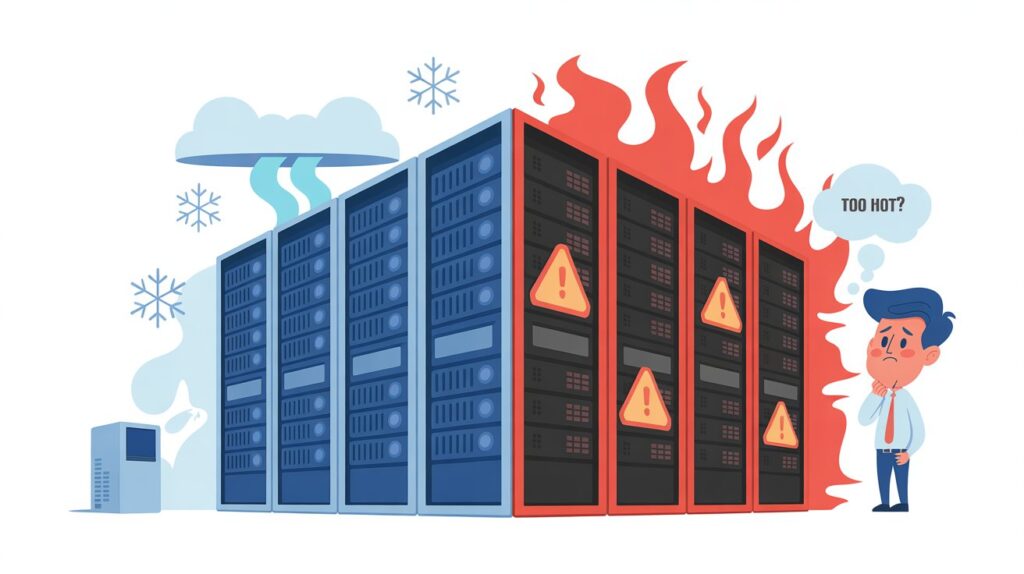
If the server room connecting your business went down for 2 hours tomorrow, most businesses would be stopped for that period. Emails would stall, phones might drop out, point‑of‑sale systems could freeze, and cloud tools would feel very “local” and unavailable. The room that keeps everything running is often squeezed into a cupboard, an old comms room, or a back corner with limited air conditioning.
As AI tools, cloud links, and digital workflows increase on the same hardware, safety margins shrink. Heat becomes the silent threat, gradually pushing equipment towards failure. Nothing looks wrong until the breakdown. In the AI age, the real risk is that cooling systems not designed for this load quietly become a single point of failure.
How AI Is Turning Your Server Room Into a Heat Trap
AI is not just clever software; it is a powerful load that pushes hardware hard and fast. In 2026, even modest Australian businesses are layering AI into chat, document search, analytics, scheduling, and customer support. That additional processing raises the pressure, impacting your CPUs and GPUs, which use more power and generate significantly more heat than older, lighter workloads.
Many server rooms were originally set up for file sharing, email, and a few line‑of‑business apps. They were never designed for dense racks of AI‑enabled gear working long hours at high utilisation. The original cooling was usually sized as a rough guess, often using comfort cooling units meant for people, not for 24/7 equipment loads.
As AI use ramps up, power density per rack climbs, and that power is converted directly into heat that has to be removed. When the air conditioner cannot keep up, the temperature slowly rises, and the fans on servers run louder and harder just to stay alive. Over time, the room becomes a heat trap where every new AI tool or piece of hardware eats into what little cooling headroom is left.
The Hidden Slowdown Stealing Your Performance
Most people assume that overheated computers will simply crash, but the reality is much more frustrating. Modern servers are actually quite smart. They have internal safety features to protect their expensive, delicate parts. When temperatures climb too high, the processor automatically slows itself down to prevent a total meltdown. This clever safety trick is called thermal throttling.
The whole point of buying fancy new artificial intelligence hardware is speed. However, those expensive processors are secretly crawling at a snail’s pace just to survive the heat.
Daily reports take hours instead of minutes to generate. Customers might complain about lagging digital services. Everyone blames the software or the internet connection. The truth is usually hiding right there in the server room.
The business is essentially paying a premium for a luxury sports car but recklessly driving it through thick mud. The room might even feel comfortably cool to a person walking inside. Meanwhile, trapped heat inside the tight machine cases forces everything to a frustrating crawl.
Make Cooling Checks Part of Your Business Health Plan
In an AI‑driven business, cooling should be treated like a routine health check, and scheduled HVAC maintenance services are the easiest way to make that happen. A good technician visit isn’t just about cleaning filters and checking gas levels. It’s an opportunity to walk through the room with fresh eyes and accurate measurements.
That means taking temperature readings at the front of the racks, feeling for hot spots, and checking whether cold air is actually reaching the right places. It also means looking under floors or above ceilings for blocked paths, stray cabling, and gaps that let cold and hot air mix. They also use specialised thermal imaging cameras to detect dangerous hot spots hidden behind the servers.
Small adjustments such as sealing holes, straightening airflow paths, adjusting setpoints, or balancing fan speeds can reduce inlet temperatures by several degrees. At the same time, alarms, redundancy, and backup cooling systems can be tested to ensure that a failure of a single unit doesn’t disable the entire room during a heatwave.
By combining these checks into the normal rhythm of the business, problems are caught early, and the server room is far less likely to become the source of an urgent, costly emergency when AI load peaks.
The bottom line is this: the rules have changed. The “set and forget” approach to your server room cooling is a thing of the past.
Heat remains a silent enemy that degrades performance and shortens the lifespans of expensive equipment. Proper climate control inside server areas is no longer an optional luxury. It is a strict operational necessity for any serious business.
Treating your server room as critical infrastructure and managing its cooling as a key risk is one of the simplest ways to protect uptime, performance, and reputation. Don’t wait for the meltdown to find out your cooling wasn’t up to the job.
