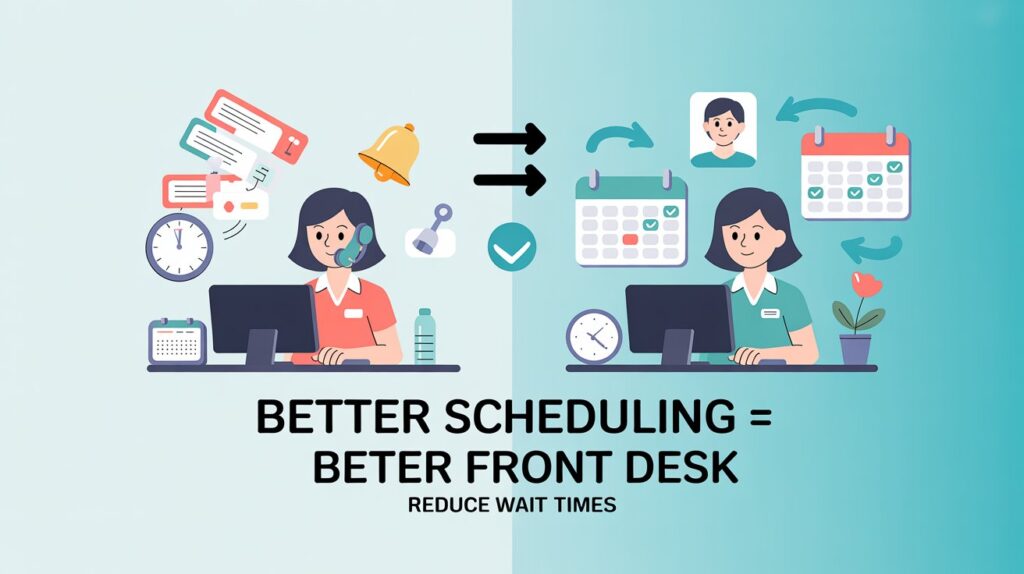
A busy front desk handles calls, check-ins, appointment changes, patient questions, and daily schedule updates at the same time. When the schedule lacks structure, staff lose time fixing avoidable errors, and patients wait longer for simple answers. A better scheduling system gives the front desk a clear plan for each day and helps the clinic move with less confusion.
Modern clinics use physical therapy scheduling software to keep appointments, provider availability, and patient updates in one organized place. This helps front desk staff avoid double bookings, spot open time slots quickly, and confirm visits with fewer manual steps. A clear system also makes schedule changes easier during busy hours.
Clear Appointment Rules
Every front desk needs simple appointment rules that match daily clinic flow. Staff should know the correct time length for each visit type before adding it to the calendar. This prevents rushed bookings and keeps the schedule realistic.
Standard Time Blocks
Evaluation visits, follow-up visits, treatment sessions, meetings, and patient visits need clear time blocks. These blocks help staff place appointments in the right spots without guessing. A steady structure also helps providers prepare for each scheduled visit.
Visual Calendar Access
A visual calendar helps the front desk understand the day at a glance. Color-coded schedules make it easier to identify visit types, provider availability, patient status, and schedule changes. This reduces repeated questions and keeps staff focused on patient support.
Custom calendar views also help clinics manage different locations from one web-based system. Front desk staff and therapists can review schedules across locations without switching between disconnected calendars. This supports quicker decisions when patients need available appointment times.
Faster Schedule Changes
Cancellations and reschedule requests can slow down the front desk when staff updates everything manually. A structured scheduling system helps staff adjust appointments quickly and keep the calendar accurate. This prevents confusion between reception staff, therapists, and patients.
Useful Front Desk Actions
- Confirm updated appointment times before the patient leaves or ends the call
- Mark cancellations as soon as they happen
- Check provider availability before offering a new slot
- Review the next day’s schedule before closing
Fewer Missed Appointments
Missed appointments create empty slots, lost productivity, and extra follow-up work. Automated email and text reminders help patients remember visits and give them time to adjust plans when needed. This keeps the daily schedule active and easier to manage.
Physical therapy scheduling software also supports reminder management through an integrated scheduling system. Staff can keep appointment details updated in one place, which reduces reminder mistakes. Accurate reminders help the front desk protect appointment flow during the week.
Patient Wait List Support
A patient wait list helps the front desk fill open slots after cancellations or no-shows. Staff can track wait-listed patients and act quickly when the schedule changes. This keeps appointment openings from sitting unused during busy clinic days.
Wait-list notifications also help staff respond before a cancellation creates a larger schedule gap. A clear wait-list process supports productivity and gives patients another chance to receive timely care.
Regular Schedule Reviews
A scheduling system works best when staff review patterns often. No-show trends, cancellation times, open slots, and crowded appointment blocks show where the front desk needs a cleaner structure. These reviews help clinics adjust schedules with practical decisions.
Better scheduling systems give the front desk control over daily activity. Clear rules, visual calendars, quick updates, reminders, wait-list support, and regular reviews all support a smoother patient flow. A well-organized schedule helps staff work with confidence and gives patients a reliable visit experience.