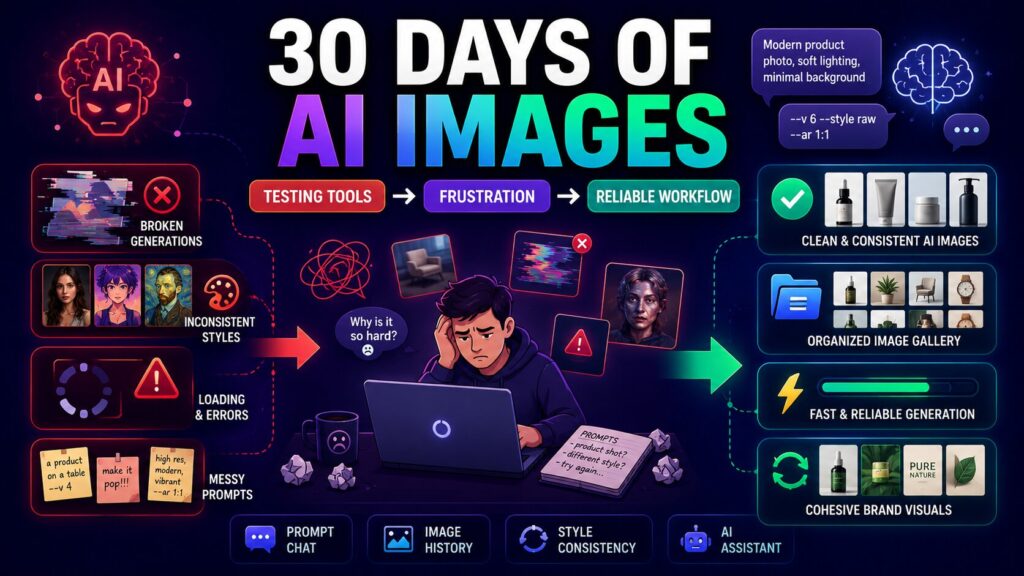
When I started producing daily visual content for three different brand accounts, I assumed any well-known AI image generator would work. The first week proved me wrong. Some tools delivered breathtaking one-off portraits but flaked out when I needed consistent styling across a twenty-image batch. Others choked on the tenth generation of a product mockup, introducing strange artifacts that I only noticed after posting. The realization hit me slowly: a single stunning demo image doesn’t predict how a tool will behave at 7 a.m. on a Wednesday when you’ve got a queue of posts to publish. That’s when I broadened my testing and spent a full month rotating through platforms, including a tool I’ll call the AI Image Maker that kept appearing in creator forums as a steady, no-drama option.
I wasn’t looking for the tool that could win an AI art competition; I was looking for the one that would let me maintain a cohesive visual identity across Instagram, a blog, and occasional Pinterest pins without constant re-prompting gymnastics. The evaluation period covered roughly 120 generation sessions per platform, distributed across different times of day and varying internet conditions. I tracked prompt refinement efficiency, output consistency across similar prompts, style variety, and how easy it was to revisit and reuse previous images. The kind of daily grind that content creators understand intimately.
Midjourney, DALL·E, Leonardo AI, Adobe Firefly, Canva AI, and ToImage AI entered the long-haul test. Midjourney continued to impress with its aesthetic sensibility, especially for atmospheric brand photography, but repeatedly generating a consistent product shot across multiple sessions felt like coaxing a temperamental artist. I’d get a perfect image once, then struggle to reproduce the lighting angle the next day. DALL·E was fast and generally clean, but style consistency across a series required extremely careful prompt engineering that ate into my content calendar. Leonardo AI provided a decent balance of quality and control, though I occasionally hit queue delays when I least wanted them. Adobe Firefly integrated well with Creative Cloud, but its outputs leaned heavily toward a polished, almost too-perfect look that sometimes clashed with a brand’s more casual tone. Canva AI made quick social graphics simple, but the underlying generation engine felt less precise when I tried to isolate a specific object style.
By the second week, I started leaning on one specific model inside ToImage for batch generation of product flat lays and explainer visuals. The GPT Image 2 option had a knack for keeping objects in correct spatial relationships, which meant I spent less time fixing images where a coffee cup had merged into a laptop. That might sound like a small detail, but across 80 product shots, it saved me hours of retouching or re-prompting. The model’s adherence to structured prompts became my default for anything that needed to look intentionally composed rather than serendipitously artistic.
What ultimately distinguished platforms wasn’t just image quality but how well they supported iterative refinement. I developed a habit of starting with a core prompt, generating three variations, picking the closest one, and then tweaking the prompt with more specific lighting or color notes. Tools that allowed me to keep a running history of those iterations without digging through Discord channels or browser caches made the process feel sustainable. ToImage kept my generated images in a scrollable gallery, and I could click back to a previous result to re-use its prompt as a starting point. Leonardo offered something similar, while Midjourney’s web app improved toward the end of my test but still felt glued onto the Discord experience.
I quantified my impressions into a comparison table after the month ended, using a 1–10 scale that weighted daily usability as much as raw output. ToImage AI didn’t win every category, but its consistency and low-friction interface pushed it to the highest overall mark.
| Platform | Image Quality | Generation Speed | Ad Distraction | Update Activity | Interface Cleanliness | Overall Score |
| ToImage AI | 9.0 | 8.5 | 10 | 9.0 | 9.5 | 9.3 |
| Midjourney | 9.5 | 7.5 | 10 | 8.0 | 6.5 | 8.4 |
| DALL·E | 8.5 | 9.0 | 9.5 | 7.5 | 8.0 | 8.5 |
| Leonardo AI | 8.5 | 7.0 | 8.5 | 7.5 | 8.5 | 7.9 |
| Adobe Firefly | 8.5 | 8.0 | 9.0 | 8.0 | 8.0 | 8.3 |
| Canva AI | 8.0 | 8.0 | 7.0 | 7.0 | 7.5 | 7.5 |
ToImage AI’s edge came from top scores in interface cleanliness and ad distraction, combined with strong update activity. During the month, I noticed model list adjustments and speed improvements that suggested active development. Midjourney still held the image quality crown by a slim margin, but the friction of reaching that quality across dozens of daily generations dampened its practical score. DALL·E remained a solid, fast fallback, yet it lacked the purpose-built feel that made ToImage comfortable for repeated, long-session use.
The Daily Grind Perspective
I structured the test around three weekly routines: Monday morning batch for social media, Wednesday afternoon product shoot recreations, and Friday afternoon experimental styling for the blog. I logged how many generations it took to get a “keeper,” how often I had to restart due to server errors, and how many clicks separated me from downloading a final image.
Style Consistency Across Batches
One of the quietest frustrations I encountered was style drift. I’d prompt for “soft morning light, pastel palette, flat lay,” and some tools would give me that Monday but shift toward a cooler, more contrast-heavy look by Thursday. ToImage, when I stuck with the same model, maintained a surprising coherence. I wouldn’t say it was flawless—a few prompts required the addition of a color hex code to lock in the background—but the drift felt less aggressive than in other tools. This mattered deeply for a brand that relies on a recognizable visual rhythm. When your audience scrolls past four posts in a week, a jarring style change can feel like a different company took over the account.
Living with ToImage AI for a Month
Using ToImage became as routine as opening my email. The interface loaded in a single, uncluttered view, and the generation queue never made me wait more than a few seconds during off-peak hours. I’d paste a prompt, toggle to GPT Image 2 for structured shots or choose a different model for more artistic interpretations, and hit generate. The output preview was large enough to evaluate without clicking into a lightbox, and the download button sat unambiguously at the bottom. I could also upload an existing product photo and let the platform reimagine it in a different style, which I used to create sketch-like versions for a behind-the-scenes series.
Image History as a Workflow Asset
What I didn’t expect to rely on so heavily was the image history. After three weeks, I’d accumulated hundreds of generations. Being able to filter back to a specific Tuesday’s batch and retrieve the exact prompt that produced a well-received Instagram image felt like a small superpower. It meant I could rebuild a successful look without re-engineering the prompt from memory. This isn’t a flashy feature, but it’s the kind of thing that makes a tool stick after the honeymoon phase.
How ToImage AI Works in Daily Practice
My typical workflow boiled down to a short, repeatable sequence:
- Compose a text prompt describing the subject, framing, lighting, color mood, and any must-have objects, often pulling phrasing from a brand style guide.
- Select the model that best fits the output goal. For structured, object-accurate images, I consistently chose GPT Image 2; for looser, painterly results, I experimented with other available models.
- Generate the image, quickly assess whether it meets the brief, and either download it directly or save it to the history for later comparison and tweaking.
Beyond text-to-image, I occasionally used the image-to-image and image-to-video capabilities. Turning a static product photo into a gentle looping video took under a minute and added a fresh format for Stories without leaving the platform.
Where It Stumbles and Who Might Need More
ToImage AI isn’t a universal answer. Marketers who need deep integration with a design template ecosystem might still lean on Canva’s unified workflow, even if the image quality isn’t quite as sharp. Creative teams that live inside Adobe’s suite may find Firefly’s Photoshop integration a bigger time-saver, despite its occasional over-polished output. And artists who chase the absolute peak of aesthetic beauty will likely keep a Midjourney subscription active for those showcase pieces. ToImage’s strength lies in the middle ground, where reliability and speed matter more than a single masterpiece. If you need to generate 15 on-brand images by noon, it’s hard to beat.
The Tool That Stuck After the Honeymoon Phase
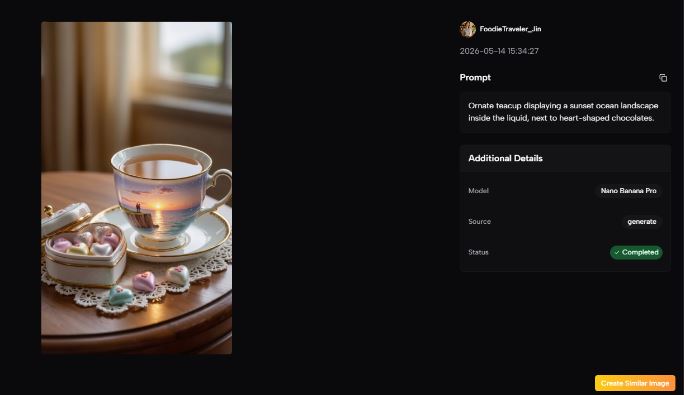
After thirty days of daily use, I wasn’t wowed by any single image ToImage produced, but I wasn’t frustrated either, and that emotional neutrality is underrated in creative tools. I’d built a muscle memory around its interface, trusted its model selection to behave predictably, and stopped worrying about whether a generation would randomly stall or ask for an upgrade. For content creators who live by the calendar, that predictability translates into saved mental energy and a portfolio that looks cohesive week after week. The site’s clear stance on commercial usage and watermark-free output sealed the deal for client-facing work, and I found myself recommending it less as an exciting discovery and more as the sensible default.