Storage devices work hard in the background, handling files, loading applications, and keeping data accessible whenever needed. Their performance can decline with time, and small issues often appear before a complete failure. Slow file access, unexpected system hiccups, storage errors, and unusual delays can feel minor at first, although they usually come together to form a clear pattern.
These signs help you understand that your current device may be approaching the end of its reliable lifespan. When problems show up more often, daily tasks take longer, and simple actions begin to feel frustrating.
Slow File Transfers That Keep Getting Worse
Slow transfer speeds feel inconvenient, yet they often reveal deeper issues inside the device. File copying, saving projects, or opening large folders may start taking longer than usual. The drop in speed can begin subtly at first, then become noticeable during routine tasks. People usually blame the computer, although the storage device itself is often the real source of the slowdown.
Every storage device has a limited lifespan, and its internal components can wear down. When this happens, the device struggles to move data efficiently. Regular tasks that once felt instant begin to lag.
Frequent Freezing During File Operations
Freezing or temporary lockups during file operations can be disruptive, especially when you depend on your device for work or large projects. Tasks like opening heavy folders or transferring multiple files may cause your system to pause unexpectedly, and these small freezes often grow more frequent over time. As your device slows down, even simple actions begin to feel sluggish because the internal drive struggles to keep up with modern data demands.
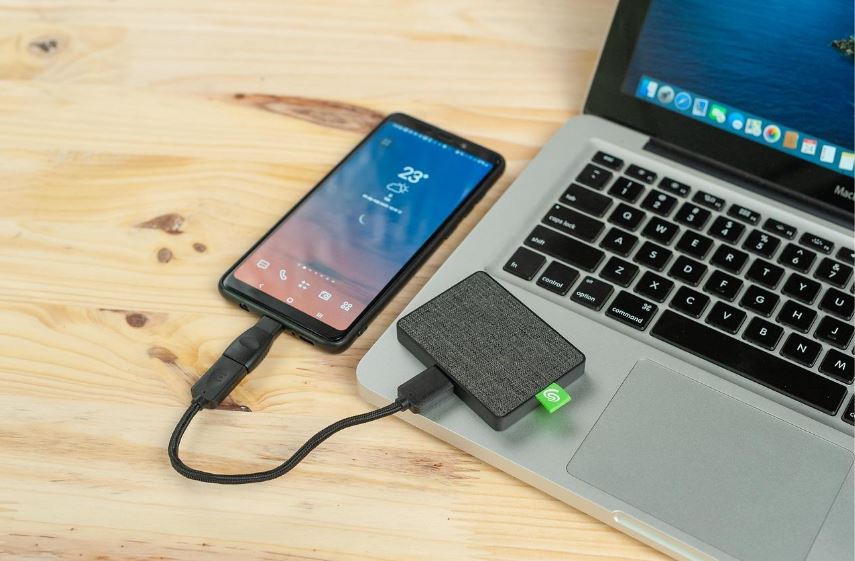
When this happens, shifting the workload away from your primary drive becomes an effective way to restore performance. Upgrading to a magnetic portable SSD provides faster response times and smoother handling of large data transfers. A compact magnetic SSD can also attach securely to your device, offering fast, reliable storage that keeps your workflow running without interruptions.
Storage Errors That Keep Appearing
Storage errors provide some of the clearest signals that a drive may be failing. Corrupted files, read or write failures, and missing data usually point toward damaged sectors or weakened components. Messages that warn you about failed saves or inaccessible files rarely appear without a cause.
A device that produces errors often continues to decline. Every new warning increases the risk of future data loss. When you start seeing these issues more than once, the safest approach is to treat the device as unreliable and prepare for a replacement.
Strange Sounds Coming from Your Hard Drive
Unusual sounds coming from a traditional hard drive deserve immediate attention. Clicking, grinding, or rhythmic whirring noises come from the mechanical parts inside the drive, and these parts can become misaligned or worn. The sounds often grow louder or more frequent as the device deteriorates.
A hard drive that makes noise is already in a vulnerable state. The mechanical components can fail without warning, and data loss becomes a real possibility. Taking early action helps you avoid a sudden breakdown. Backing up your files and upgrading to a modern storage option keeps your data safer and your system functioning smoothly.
Running Out of Space Faster Than Expected
Modern files take up more room than older storage devices were designed to handle. High-resolution media, updated software, and regular backups can fill available space sooner than expected. Constantly deleting files or shifting data to make room becomes tiring over time.
A device that runs out of space frequently shows that its capacity no longer matches your needs. Replacing it with a larger or more efficient drive gives you the freedom to organize your data without limitations. Ample space also improves general performance, since storage devices work best when they have room to operate.
Noticeable Lag During Everyday Tasks
Lag can appear in many small ways throughout the day. A computer that once started quickly can suddenly take much longer to reach the desktop. Applications that used to feel light can begin opening slowly, and simple multitasking can feel heavy. These delays often trace back to a storage device that no longer keeps up with the rest of the system.
A weakened drive struggles to supply data fast enough for smooth performance. As a result, the entire system becomes sluggish even when nothing significant is running. People commonly blame memory or the processor, although storage often plays a bigger role in overall responsiveness.
Compatibility Issues with Modern Devices
Technology continues to evolve, and older storage devices can fall behind. Outdated ports, slower connectors, and unsupported formats can create challenges when connecting your device to newer equipment. These issues often show up when you try to transfer files or plug the device into a system that no longer supports its interface.
Older drives may also lack features expected in modern setups. It includes faster data transfer rates, reliable encryption, and efficient communication with up-to-date operating systems. A device that fails to connect properly can interrupt your workflow or restrict access to important files.
Rising Need for Reliable Backup and Portability
Data plays a larger role in work, school, and personal projects. Important files, creative work, and sensitive documents require dependable storage. Older devices may not offer the level of protection needed for these responsibilities. They can become more fragile with age, and their declining reliability adds unnecessary risk.
A growing workload or shifting lifestyle can create a need for better portability. Frequent travel, remote work, or collaborative projects benefit from storage that moves easily between devices without complications.
Recognizing the right time to upgrade your storage device protects your data and improves your daily workflow. Slow transfer speeds, frequent freezes, persistent errors, unusual noises, limited space, system lag, compatibility challenges, and growing backup needs are all important signals. These issues rarely appear without a cause, and they tend to progress when the device continues to age.
A modern storage drive brings faster performance, stronger reliability, and better support for current technology. It helps create a smoother working experience and reduces the risk of data loss. Acting early prevents complications and ensures your files remain safe. An upgrade gives you confidence that your device can handle your tasks without interruptions.
